




Spinmama Casino App
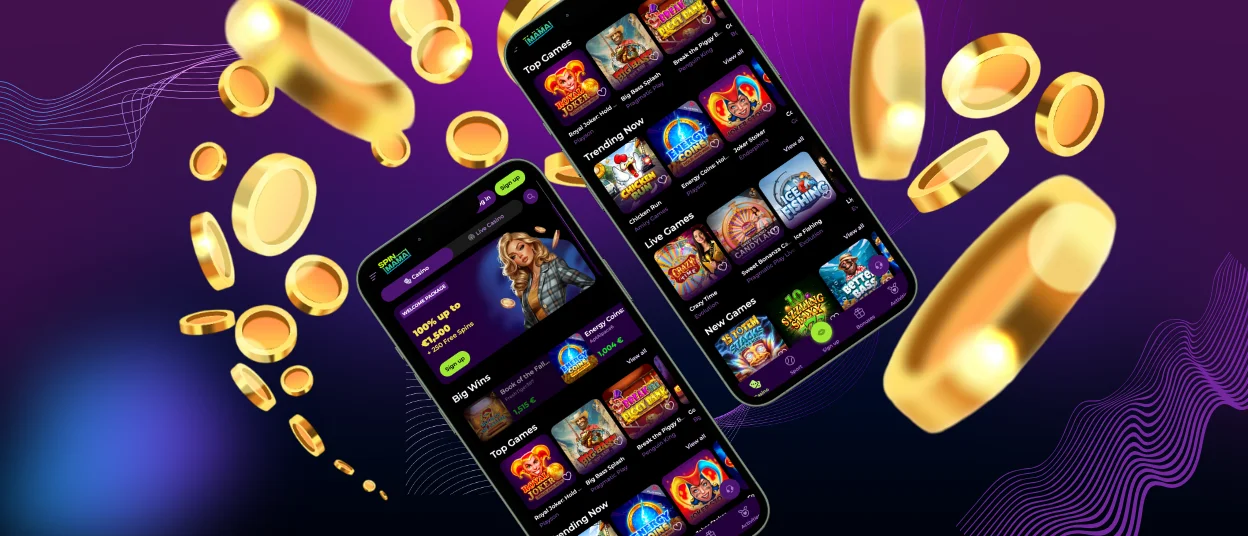
Spinmama app is the mobile version of the platform that works in a browser on iOS and Android. It does not require an App Store or Google Play download, and it uses the same account as the desktop site.
The mobile interface adapts the main website to smaller screens and touch control. Core sections stay available, including Casino and Sports, promotions, and the cashier for deposits and withdrawals. Your balance and profile data remain linked across devices, so switching between phone and desktop keeps the session consistent. Spin Mama also supports a PWA option, which lets you add a shortcut icon to your home screen for faster access.



Key Mobile Features Of The Spinmama App
Small-screen play needs a different flow than desktop. This is why Spinmama focuses on fewer taps, clearer touch targets, and faster ways to return to what you already opened. The goal is simple navigation during short sessions and less time spent searching inside long lists.
The table below summarises the mobile tools that support this flow, from quick resume to swipe-friendly browsing and a cleaner app-style view.
| Mobile Feature | How It Works On Mobile | Why It Matters |
| Home-Screen Icon | You add a shortcut from the browser menu and open the site from an icon | You start a session faster |
| App-Style View | The shortcut opens in a focused window with fewer browser elements | You get more space for the lobby and game screen |
| Quick Resume | The site keeps your last section ready when you return | You do not waste time finding the same page again |
| Touch-First Layout | Buttons stay spaced and menus stay compact | You tap more accurately on a small screen |
| Swipe-Friendly Rows | Lobby rows support smooth horizontal browsing | You scan titles quicker with less scrolling |
| Search + A–Z Sorting | You use search and sorting to narrow the catalogue | You find a specific game faster |
| Favourites + Recent | You save games and return to them from the same profile | You continue play without searching again |
| Screen Rotation Fit | The layout adapts when you rotate the device | The interface stays readable in portrait or landscape |
| One Cashier Window | Deposit and withdrawal stay in the same cashier area | You manage payments without leaving the mobile flow |
Spin Mama keeps these features consistent across the mobile lobby, so the controls feel predictable while you move between sections.
Spinmama App for iOS
Spinmama on iOS works through Safari on iPhone and iPad, so you can play without installing an App Store application. This option suits users who want a clean mobile view and the same account flow as on desktop.
On iPhone, the interface stays compact and touch-friendly, so key actions remain easy to reach during a session. On iPad, the screen gives you more space for browsing, and landscape mode can feel more comfortable when you open live tables or scan the lobby.
For faster access on iOS, save Spinmama to your Home Screen in Safari. Tap the Share icon, select Add to Home Screen, then confirm. The icon opens the site in a separate window with fewer browser elements.
Spinmama App For Android
Spinmama app for Android works through your mobile browser as a PWA (Progressive Web App). You can add it to your home screen and open the casino from an icon. You do not need Google Play for this setup.
This format stays lightweight and practical on Android. The PWA opens in an app-style window with fewer browser elements, so the screen feels cleaner during play. It also updates through the website, so you always use the current version without manual installs. Because of this, a separate Spinmama APK is not needed.
To add it on Android:
- Open the official Spinmama website in Chrome
- Tap the three-dot menu
- Select Install app or Add to Home screen
- Confirm, then open Spinmama from the new icon
Install only from the official website you opened yourself. Avoid third-party “app download” pages, and log out after play on a shared device.
Spinmama On Windows And macOS
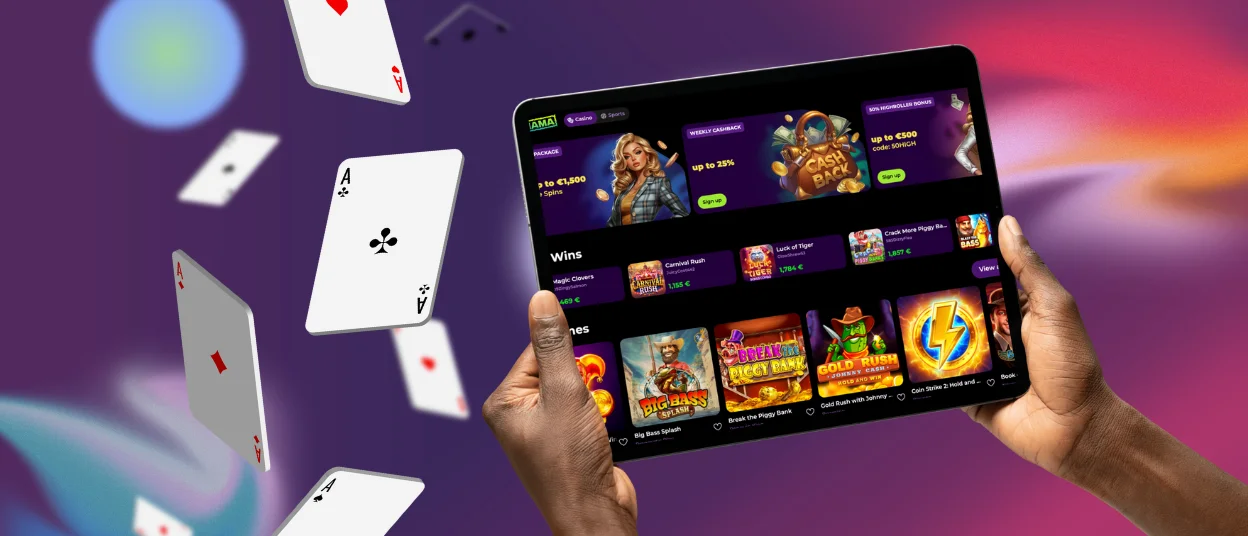
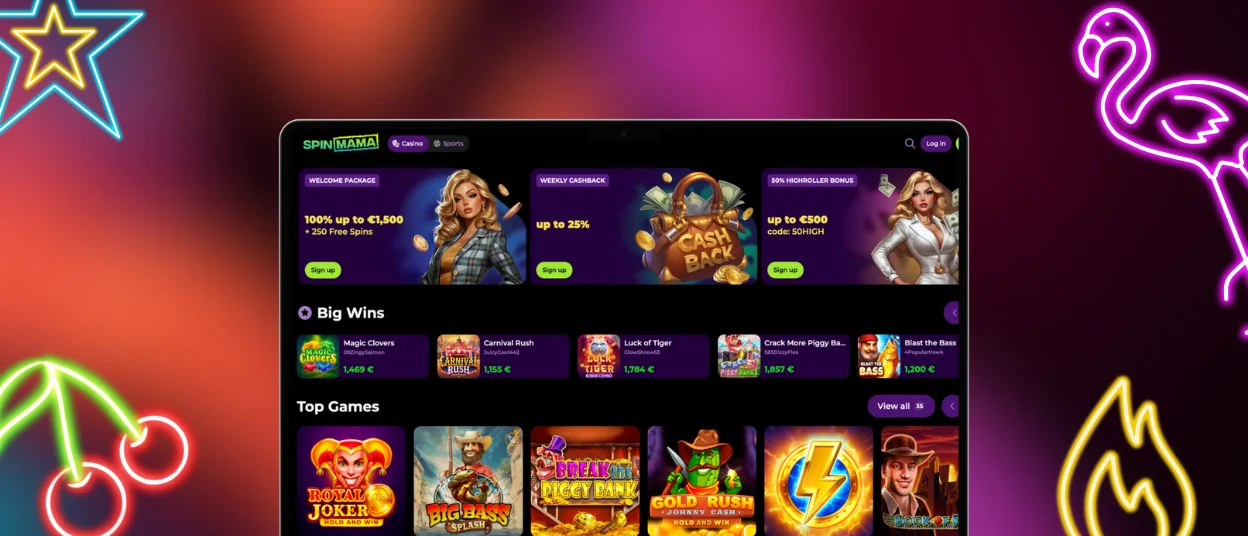
Spinmama works on Windows and macOS through modern browsers, so you do not need to install a separate desktop program. The desktop layout gives you more space for the lobby, which makes it easier to compare categories and browse game tiles without constant scrolling.
A larger screen also helps with practical tasks. It is easier to read bonus terms, follow live streams, and manage account settings. You can keep useful pages in separate tabs, such as promotions or cashier, and switch between them without interrupting your session.
If you prefer one-click access, Spin Mama supports a desktop PWA setup in browsers like Chrome or Edge. You can use the install or create shortcut option to open the platform in its own window from your desktop, taskbar, or Dock.
Frequently Asked Questions (FAQs)
What should I do if the “Add to Home Screen” option does not appear in Safari?
The option usually disappears when you open the site inside an in-app browser (for example, from social apps) instead of Safari itself. Open the official Spinmama website directly in Safari, tap the Share icon (square with an arrow), then scroll until you see Add to Home Screen. If the button still does not show, update iOS, refresh the page, and try again after you close and reopen Safari. Content blockers can also hide parts of the menu, so disabling them for a moment can help.
Can I use private mode (incognito), and what limitations can it cause?
Private mode can work, but it often causes extra logins and unstable sessions because the browser does not keep cookies and site data. You may lose your session faster when you switch apps, and some game windows or payment confirmation steps can fail if the browser blocks pop-ups or storage. For the most stable experience, use normal mode and log out after the session, especially on a shared device.
What happens if my phone locks during a live game session?
When your phone locks, the live stream can pause and the page may need a short reconnection after you unlock the screen. The session usually continues from the same table, but the stream can reload depending on your connection and browser settings.
Unlock the phone, return to the game, and give it a moment to reconnect. If the table does not load again, refresh the page and open the live room one more time. If you are not sure what happened in a round, check your game history for the time and then contact support with the table name and the approximate time.
What should I check first if the lobby feels slow on 4G/5G?
Check the connection stability first, because the signal label does not always reflect real speed. Switch to Wi-Fi for a moment and reload the lobby to compare performance. Close background apps that use data or memory, then turn off VPN if you use one. If you run an ad blocker, pause it for the site and reload the page. Update your browser and clear the site cache if the problem continues.
What should I do if I lose my phone and worry about account access?
Lock your phone right away through Find My iPhone or Find My Device. Then change your Spinmama password, so saved logins on that phone stop working.
Contact support after that and explain that you lost the device. Our team can review the account and help you secure access. When you log in again, enable 2FA and keep a screen lock active.


